
SPECLAN v0.9.13 — Your Specs Are Now an MCP Server
v0.9.13 ships two headline features. SPECLAN's built-in server is now a real MCP server — Claude Code, VS Code Copilot, Cursor and Claude Desktop connect to it directly and get 13 tools over your live spec tree, including read-only SQL and graph traversal. And SpecURI gives every spec a link that opens it in the editor, resolving by entity ID so it survives renames. Plus optional API-key auth, a read-only mode, and one breaking change: 43 tools became 13.
SPECLAN v0.9.13 — Your Specs Are Now an MCP Server
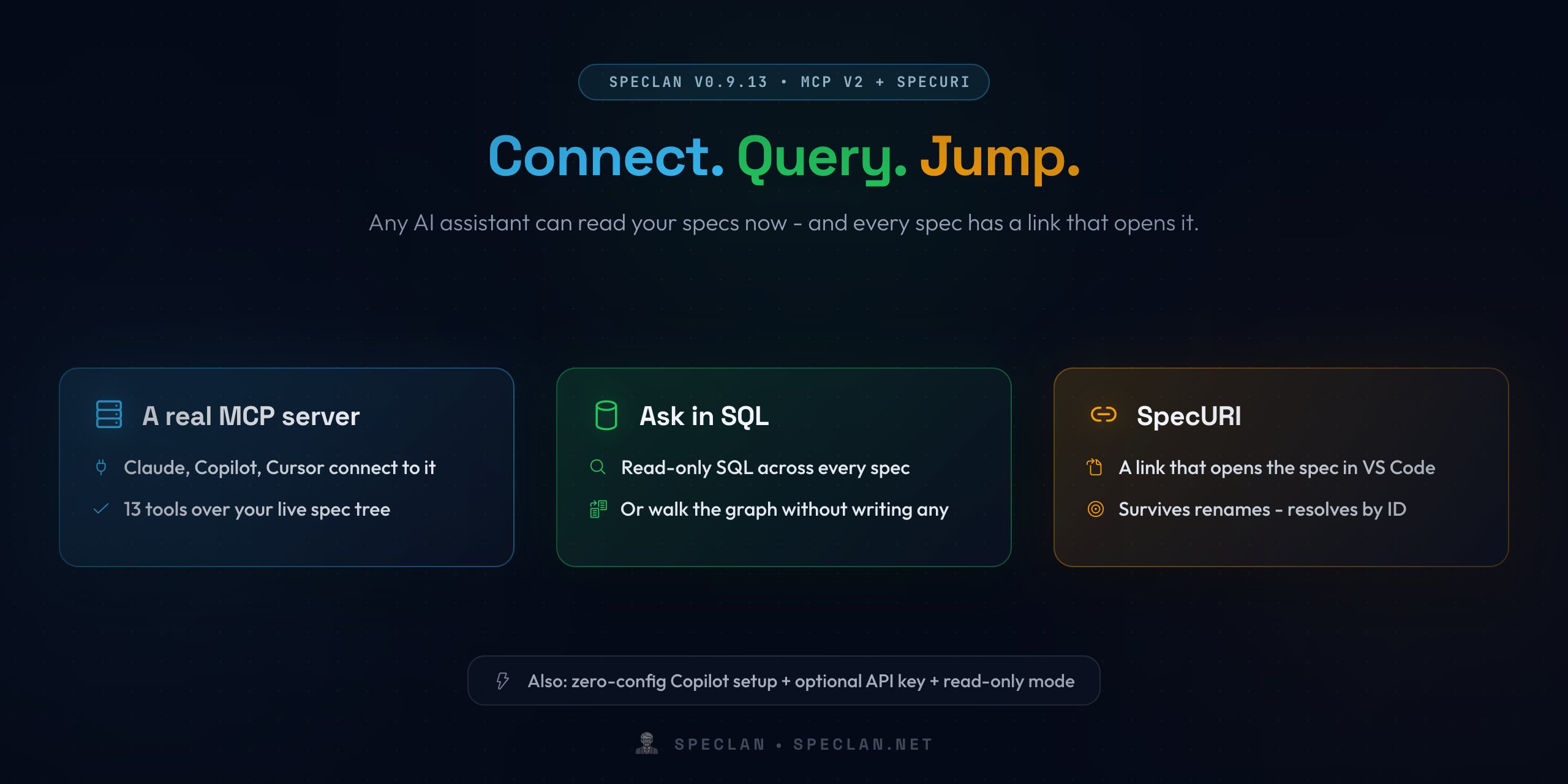
Two things landed in v0.9.13. Your specifications became a service other programs can query, and every spec became addressable by a link.
Those sound like separate features. They're the same idea from two directions: an AI assistant should be able to ask your spec tree precise questions, and everything it produces from the answers should point back at the spec that governed it.
A Real MCP Server
SPECLAN's built-in server now speaks the Model Context Protocol over a standard streamable HTTP endpoint. Any MCP client connects to it directly — Claude Code, VS Code Copilot, Cursor, Claude Desktop — and gets 13 tools over your live spec tree:
- Search and read. Ranked search across every spec, read an entity with its ancestors and children, list entities with filters.
- Walk the graph. Traverse parent-of, contributes-to, references and modifies edges — children, ancestors, contributors, impact.
- Ask in SQL. A read-only SQL tool runs over a relational view of your specs, so you can express traceability, impact and coverage-gap questions that no fixed tool anticipates. Recursive queries follow transitive relationships.
- Write, if you allow it. Create entities, update them, move them through the status lifecycle, link, relocate and delete.
This replaces the old bespoke REST endpoints that only SPECLAN's own panel could talk to. The server identifies itself on connect with your project's live entity and status counts, so an assistant knows what it's looking at before its first question.
Connecting Takes About Ten Seconds
In VS Code, Copilot needs no configuration at all. While the server runs, VS Code discovers it and Copilot picks it up — no mcp.json to edit.
For everything else, the MCP Server panel (Command Palette → SPECLAN: Open MCP Server Control Panel) has a Connect a client section with two copy buttons: a ready-to-run claude mcp add command, and a JSON snippet for Cursor, Claude Desktop and any other client using the same shape. Both come pre-filled with the live URL and your key.
You Decide What Is Exposed
The server runs on your own machine and is not reachable from the network. Beyond that, three controls:
- API key. Generate one from the panel and clients must present it on every request. It's stored in your OS keychain and never uploaded by Settings Sync. Without a key, the server stays open on localhost — the zero-friction default, and worth knowing rather than discovering.
- Read-only mode. The six write tools aren't merely hidden — they are not registered at all, so an assistant cannot call them because it never learns they exist.
- Per-tool selection. Untick any individual tool before starting the server.
And locked specs stay locked. A client that tries to directly edit a spec in in-development, under-test or released is refused and taught the Change Request route — the same governance the SPECLAN editor enforces. Merging a Change Request works from any client too.
SpecURI: A Link That Opens a Spec
The second headline feature is smaller and quieter, and it may change how you share specs.
A link like vscode://DigitalDividend.speclan-vscode-extension/open?id=F-1234 now opens that Goal, Feature, Requirement or Change Request straight in the SPECLAN editor, revealed in the tree with its parents expanded.
The point is generated work products. An agent that builds a clickdummy, a status report or an architecture diagram from your specs can embed a back-reference beside every element — so a reviewer reading it is one click from the specification that governs it. Every claim is auditable.
- Links resolve by entity ID, not file path. Rename the spec, move it under a different parent, reorganise the whole tree — the link still lands.
- A link can name its project. Spec IDs are random per project and can repeat across projects, so a link may carry a workspace key. If it reaches the wrong project, SPECLAN tells you — rather than opening a same-numbered spec that has nothing to do with it.
One honest note: VS Code hands a vscode:// link to whichever window you used most recently. SPECLAN won't open or switch a workspace on a link's behalf — if the link belongs to another project, focus that window and follow it again.
One Breaking Change
The MCP tool surface consolidated from 43 fine-grained tools to 13 namespaced speclan_* tools. A smaller, well-described surface is markedly easier for a model to choose correctly from.
This is a clean break — the v1 tool names are removed, not aliased. If you have scripts or agents calling them, the changelog carries a complete mapping from every old tool to its v2 call.
Everything else is additive. Your specs, the status lifecycle, the frontmatter schema and the ID format are unchanged.
Also in v0.9.13
- Smaller download. The SQL tools now use the platform's built-in SQLite, so the extension no longer ships the SQLite WASM binary.
- Errors that teach. When a call is wrong, the server returns a structured message naming the exact next call that fixes it — so an assistant self-corrects in one turn instead of guessing.
- Richer results. Reads embed the canonical source so a client can pin and re-fetch, image artifacts come back as real images to multimodal clients, and the server exposes resources and prompts as slash commands with entity-ID completion.
- Fixes. The Features view count is right when a status filter is on; the
@link picker no longer opens on a spec you can't edit; AI features recover from a malformed model reply; and opening a spec that no longer exists shows an informational message with a "Go to Spec" shortcut instead of a red error.
Getting It
Update from the VS Code Marketplace, or install fresh. If you already have SPECLAN open, reload the window afterwards — VS Code keeps running the previous version until you do.
New help pages cover both features end to end: MCP Server walks through the control panel and every client's setup, and SpecURI covers link anatomy, cross-project behaviour and troubleshooting.
The throughline: your specs stop being files an assistant has to grep, and become a service it can query — with every answer one click from its source.