
SPECLAN v0.9.12 — A New Search Engine for Your Specs
v0.9.12 ships a brand-new search engine. Search now reads the full text of every spec — not just titles and IDs — ranks results by relevance, tolerates typos, and highlights matched terms. Type an entity ID to jump straight to it, and a new 'Referenced By' section shows what links to the spec you're viewing. The same engine powers the search panel, the AI tools, and the command line. Plus: shareable deep links to any spec, a preview of local HTML pages in the built-in browser, and a couple of fixes.
SPECLAN v0.9.12 — A New Search Engine for Your Specs
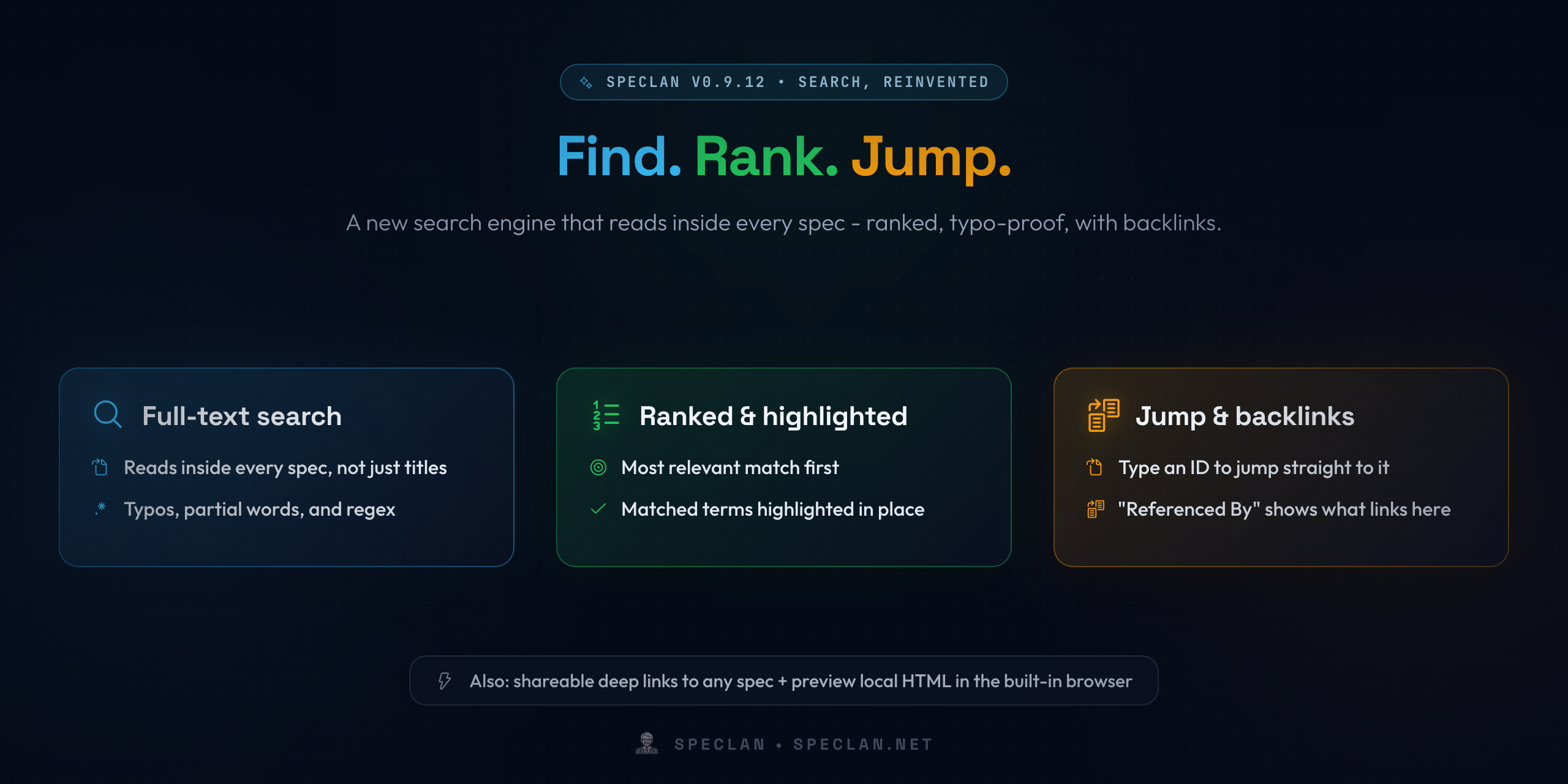
As your spec tree grows, it becomes a knowledge base — and a knowledge base is only as good as your ability to search it. v0.9.12's headline is a brand-new search engine that reads inside every spec, ranks what it finds, and shrugs off typos.
Full-Text Search That Reads Your Specs
Until now, search matched titles and IDs. Now it looks inside the full text of every Goal, Feature, and Requirement.
- Reads the body, not just the title. The words you half-remember from the middle of a requirement are now findable.
- Typo-proof and flexible. Search tolerates typos and partial words, and understands regex when you want precision.
- Matched terms highlighted. Each result highlights what matched, so you can see why it came up at a glance.
Ranked Results, Best Match First
Results come back ordered by relevance instead of an arbitrary list, so the spec you actually meant sits at the top. Type an entity ID and search jumps you straight to it.
See What Links to a Spec
A new "Referenced By" section shows every spec that links to the one you're viewing — so before you change or move something, you can see what depends on it. And because it's one engine under the hood, you get the same results everywhere: the search panel, the AI tools, and the command line all agree.
Also in v0.9.12
A Keyboard-Driven Search Panel
Move through results with the arrow keys, open one with Enter, recall your recent searches, and use boolean or regex operators — all without reaching for the mouse.
Shareable Deep Links to Any Spec
Generate a link to a Goal, Feature, or Requirement that opens straight to that spec in the editor — even picking the right window when you have several open. Handy for dropping a precise reference into a chat, an issue, or your notes.
Preview Local HTML in the Built-In Browser
A relative link to a local HTML file now shows a globe icon and opens the rendered page in VS Code's built-in browser as a tab — so a generated report or a mockup displays as a real web page instead of dumping its HTML source into a text editor.
Fixes
- The Change Requests section no longer goes blank. A spec whose Change Request carried an older status value could leave the panel empty; those statuses are now handled gracefully so your CRs always show.
- Search results survive a window reload. After reloading the window, a search you'd already run is re-executed so its results reappear, instead of showing an empty list under your restored query.
Get the Update
If you already have SPECLAN installed from the VS Code Marketplace, v0.9.12 will update automatically. Everything in this release is additive or a fix — your existing specs, the status lifecycle, the frontmatter schema, and the ID format are all unchanged.
Your specs are a knowledge base — and now you can actually search it: full text, ranked, typo-proof, with the backlinks that tell you what depends on what.