
SPECLAN v0.9.11 — Mermaid Diagrams, Right in Your Specs
v0.9.11 adds Mermaid diagrams to your specs. Write a diagram in a plain mermaid code block and it renders inline in the editor — flowcharts, sequence diagrams, ER diagrams, everything Mermaid does — and because it's just text, it versions in Git with the rest of your spec. Edit the source in a dialog with a live preview, click a diagram node to open the spec it links to, and hover any link to see where it points. Plus: broken-link detection with a one-click Quick-Fix, cut/copy/paste for diagrams, and a new Failed task state.
SPECLAN v0.9.11 — Mermaid Diagrams, Right in Your Specs
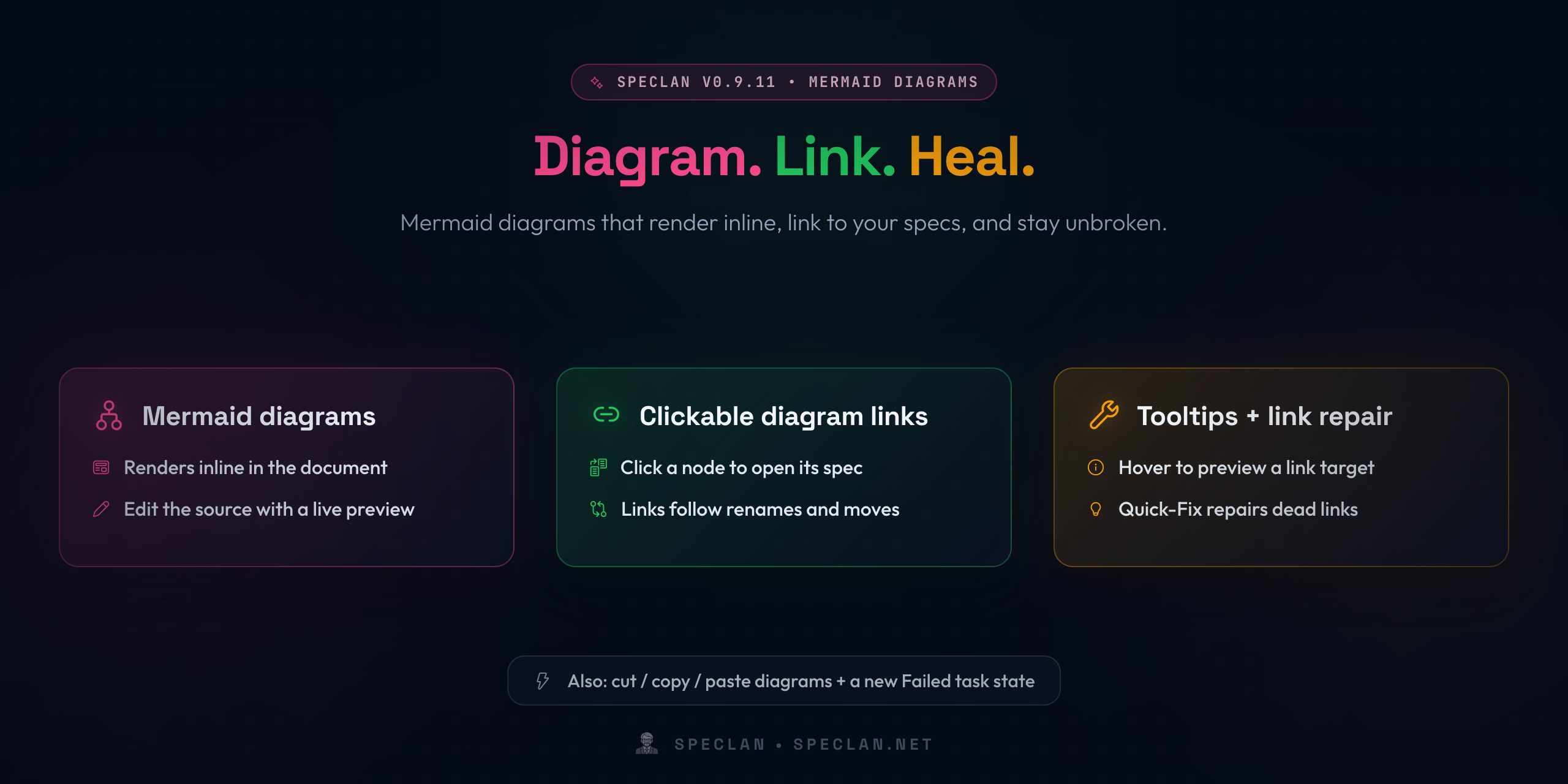
v0.9.9 gave you freehand Excalidraw sketches. v0.9.11 adds the other half of diagramming: Mermaid. Write a diagram as plain text in a fenced code block and it renders inline in the editor — and because it's text, it versions in Git like the rest of your spec.
Mermaid Diagrams Inside Your Specs
Drop a ```mermaid fenced block into a spec and it renders right there in the document — flowcharts, sequence diagrams, class and state diagrams, ER diagrams, everything Mermaid supports.
- Edit with a live preview. Open a diagram's source in a dedicated dialog and watch the render update as you type.
- Clear feedback on invalid syntax. A broken diagram shows a clear message instead of a garbled render, so the document is never corrupted.
- Hover controls. Hovering a diagram surfaces delete controls and a highlight.
- Status-aware editing. Like the rest of your spec, diagrams are viewable everywhere but only editable when the spec's status allows it.
Because a Mermaid diagram is just Markdown text, it travels with your spec and diffs cleanly in Git — no binary artifact to manage.
Clickable Links in Mermaid Diagrams
Add a click link to a node and clicking it in the rendered diagram opens the linked Goal, Feature, or Requirement. When you later rename or move that spec, the links inside your diagrams are rewritten to follow it — they don't go stale.
Tooltips and One-Click Link Repair
Two things make links across your specs much less fragile:
- Link hover tooltips. Hover any link in the editor — inline spec links and links inside diagrams — to see where it points and whether it resolves, is broken, or leads to an external site, before you click.
- Broken-link Quick-Fix. When a spec-to-spec link's target no longer exists, SPECLAN flags it. A Quick-Fix (
Ctrl+./Cmd+.) lets you re-point the link to a spec that was relocated, or remove a dead link while keeping its visible text — one at a time, or all at once.
Also in v0.9.11
Cut, Copy, and Paste Diagrams
Copy a Mermaid diagram, cut and move it elsewhere in the document, or paste it into another spec — the diagram comes across intact.
A New "Failed" Task State
Task checkboxes gain an [f] "Failed" marker for tasks that were attempted but didn't meet the bar, alongside the existing states. Hover any task checkbox to see a tooltip naming its state.
Larger Diagrams Render in Full
Complex Mermaid diagrams are no longer cut off — the inline preview now renders the whole diagram regardless of size.
Get the Update
If you already have SPECLAN installed from the VS Code Marketplace, v0.9.11 will update automatically. Everything in this release is additive or a fix — your existing specs, the status lifecycle, the frontmatter schema, and the ID format are all unchanged.
Your diagrams now live in the document as plain text, render where you see them, point at the specs they describe, and don't rot when the specs around them move.